Quick Start
Create a working Pancake app with the CLI.
1. Create Your Project
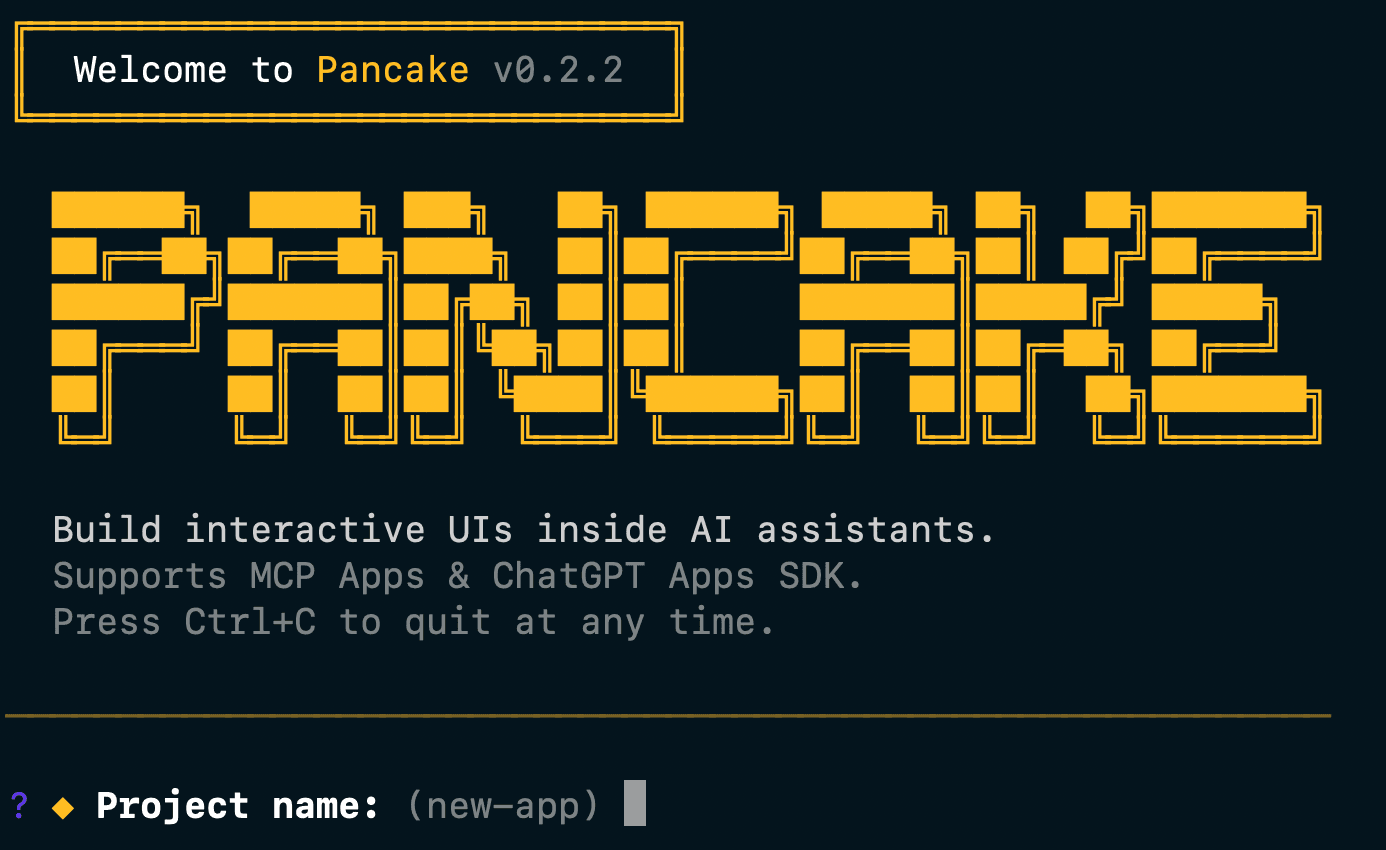
npx create-pancake my-appThe CLI will ask you to choose:
- Template: React (with Vite HMR) or Vanilla (plain HTML/JS)
- Protocol: MCP, OpenAI, or both (auto-detect)
- Package manager: pnpm, npm, or yarn
- Tunnel provider: None, Cloudflare, or ngrok
2. Start Development
cd my-app
pnpm dev
This starts:
- Your Pancake server (default port 3000)
- Vite dev server for hot reload (React template only)
If you selected a tunnel provider, you'll see a public URL printed in the terminal.
3. Test Your App
Open your browser to http://localhost:3000. You'll see your first view running.
That's it! You have a working Pancake app with views, actions, and data endpoints.
What's in the Box
The starter template includes:
- Server setup (
src/index.ts) with MCP and OpenAI adapters pre-configured - Example view (
src/views/hello/) with React or HTML template - Example action for handling user submissions
- Example data endpoint for fetching data
- Hot reloading for fast development
Project Structure
my-app/
├── src/
│   ├── index.ts              # Server entry point
│   └── views/
│       └── hello/
│           ├── index.html    # HTML entry
│           ├── index.tsx     # React component
│           └── metadata.json # View metadata
├── scripts/
│   └── dev.ts                # Dev server script
├── package.json
├── tsconfig.json
└── vite.config.ts
my-app/
├── src/
│ ├── index.ts # Server entry point
│ └── views/
│ ├── hello.html # HTML view
│ └── hello.json # View metadata
├── package.json
└── tsconfig.jsonTest with AI Clients
Claude Desktop
If you selected a tunnel provider (Cloudflare or ngrok), add your tunnel URL to Claude Desktop's config:
macOS: ~/Library/Application Support/Claude/claude_desktop_config.json
{
  "mcpServers": {
    "my-app": {
      "url": "https://your-tunnel-url.trycloudflare.com/mcp"
    }
  }
}
Restart Claude Desktop. Your views appear as tools Claude can invoke.
ChatGPT
Your app automatically exposes an OpenAPI spec at /.well-known/openai-plugin.json. Use your tunnel URL to configure a Custom GPT with actions.
Available Commands
# Development with hot reload
pnpm dev

# Type checking
pnpm typecheck

# Build for production
pnpm build

# Run production build
pnpm start
Next Steps
- Full Getting Started Guide: Detailed walkthrough of views, actions, and data
- Local Development: Configure tunnels and test with AI clients
- Deployment: Ship to Cloudflare, Vercel, or any Node.js host